


Alpha 0.4
Alpha 0.4
July 23rd, 2026
 produke-alpha-v0.4.zip
Finally, v0.4 is out! This version has 3 new big features (Demo Player, AVI capture mode, Multi RTS), some other smaller improvements and a few bug fixes.
New Features
-
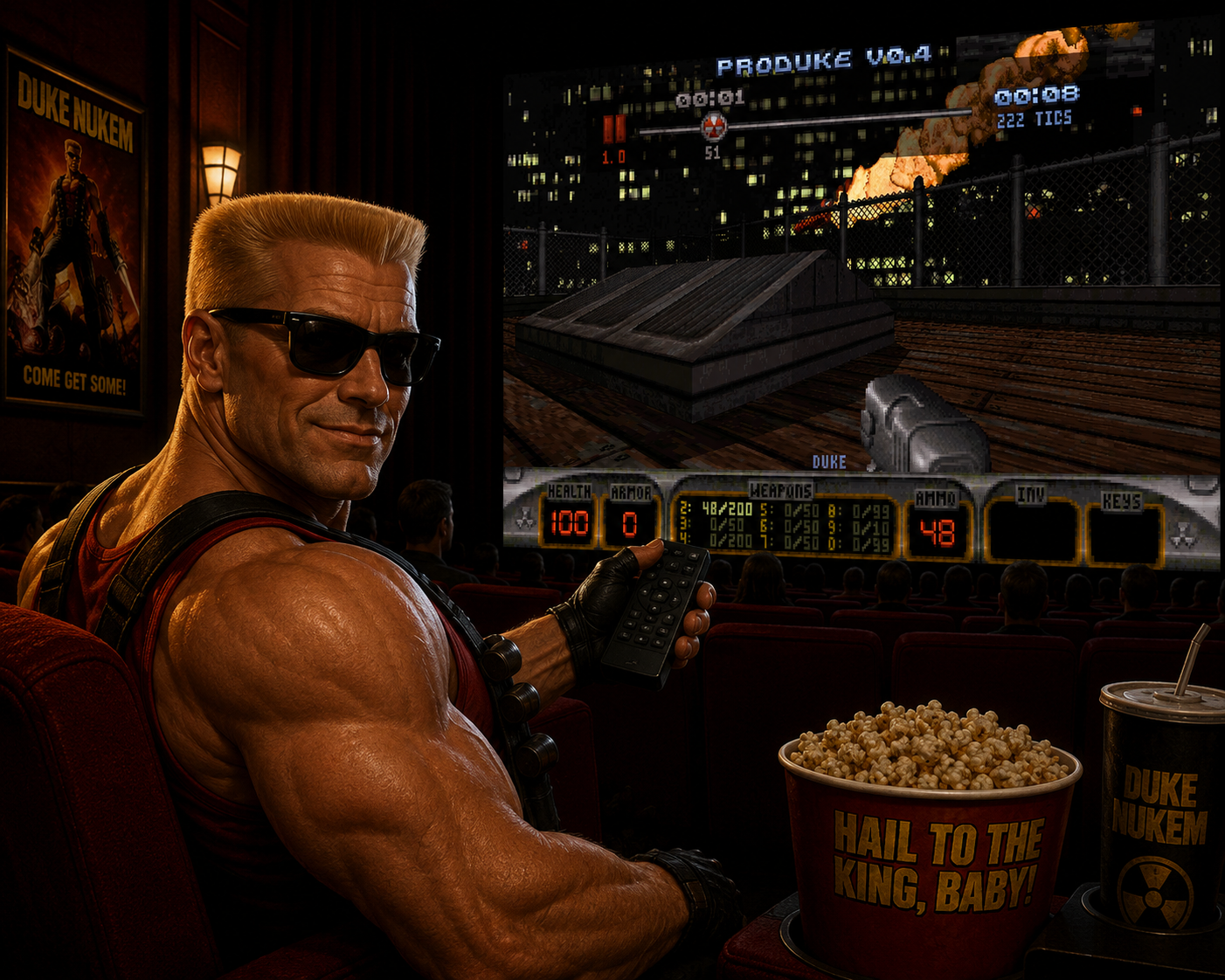
We added a demo player in proDuke. On the main menu, go to the PLAY DEMO option. There, all .dmo files from your /dmos folder will be listed. There's the possibility to filter the results, so you can find the desired demo faster. Upon selecting a demo, a little summary of it will be displayed, showing various informations about the selected demo like the game mode, map, match duration, player names, etc. Pressing ENTER will then finally load the demo for playback.
- The playback starts paused by default. Make sure to go to
OPTIONS > RECORDING SETUP > PLAYBACK OPTIONS > DEMO PLAYER KEYS...
to check the default controls. The demo player has the same controls you can find on standard video players: you can pause/start, advance forward/backwards, rewind back to the start or jump to the very end! One of the best features of it is that the advance forward/backwards controls will increment tic by tic when paused. Also, you can freely switch the view to other players using the SpyCam (i.e. Coop View) hotkey, even when paused. With all of that as well as other proDuke features like Player Outlines and Damage Numbers, the level of understanding of whats going on gets on a whole another level.
- The playback starts paused by default. Make sure to go to
- Implemented various checks so the demo may still be written correctly in case of a crash or unexpected closing.
- New "currently recording a dmo" status icon on the upper-right corner of the screen, to match the new demo player controls art.
-
The demo auto recorder now has the new NETPLAY ONLY mode. Also, the
OPTIONS > RECORDING SETUP > PLAYBACK OPTIONS > RECORD
had its options reworked. Now the options are OFF/ONCE/ALWAYS/NETPLAY ONLY. Note that the /r command line now sets the record mode to ONCE, and that will only happen if RECORD is set to OFF on your cfg file. Also, the F8 hotkey for quick record mode switch that was added on the previous proDuke release is now removed, since it was useless. -
It's now possible to disable the chat messages, chat macros and RTS sounds from the demo playback via new options present on the
RECORDING SETUP > PLAYBACK OPTIONS
menu. - There's now a Headless AVI Capture mode in proDuke, which is perfect if you want to batch generate videos of your matches to upload to youtube or somewhere else. Given a .dmo file, it will generate a corresponding .avi file. The match is recorded at non-live time and without having to display the match on your screen. The recording time is usually faster than the watch time, but that depends on your PC specs as well as the current video resolution. Make sure to go to go Video Recorder for more details.
-
Support for Multiple RTS files loaded. Each player can have it's own distinct RTS file selected, and for the sound playback the game will load the RTS file by demand. The end result is that everyone will be able to hear the corresponding sounds of the RTS files you choose, even if their curently selected RTS is diferent from yours! Yes, this means that it's possible to, for example, have a sound from DUKE.RTS and SW.RTS playing at the same time! But, of course, all players need to have matching .rts files on the /rts folder. You can select your RTS file through
OPTIONS > PLAYER OPTIONS > REMOTE RIDICULE
. The F8 key will also be a shortcut to that. Or, you can use the new "RTS" console command. Make sure to enable the RTS sound playback by settingOPTIONS > SOUND SETUP > VOICE QUOTES
to FULL. -
Holding the ALT key now shows the sound names of the currently selected RTS file. This can be disabled on the menu
OPTIONS > HUD/MENU SETUP > RTS SOUND NAMES
. -
Support for custom music for usermaps. The game will look for a
.mid
file of the same name of the map file to use as music (e.g. iod2.mid will be loaded automatically for iod2.map). - Mouse sensibility now suports smaller increments.
- The multiplayer scores screen on the end of a match now has a 5 sec countdown timer, so AFK players can't block a new match from starting.
- The splash screen before a new game (the one saying "ENTERING map name") now shows the name of the player that started the new match, if in multiplayer.
- New CREDITS screen with proDuke credits.
- Demo dumping code to aid the developers in debugging dmo playback out of syncs.
Improvements
- The usermap listing screen can be filtered as well, like the new DMO and RTS screens.
- Mini HUD weapons now have better centered text. If playing versions of the game that have less weapons (1.3D/FULL or 1.3/Shareware) now only the correct weapons are displayed.
- The game will now refuse to load maps the same name as reg maps that are on the game folder UNLESS if playing with /allowmods.
- Newer demos will now have additional metadata: final player/team scores, obituaries, announcer events and the moment of out of sync, if that happens.
- New Obituary message for bugged RPG/Devistator missiles (see the new NetFlagC [DOS] BAD HIT DETECTION ON AUTO AIMED RPGS) to understand.
-
New NetFlagC
[DOS] BAD HIT DETECTION ON AUTO AIMED RPGS
, which restores the bug of auto-aimed RPGs having infinite vertical reach on its auto-aim target, due to the projectile detonating prematurely when inside a 256 unit wide X/Y radius (Z coordinates were ignored, that's why the bug exists). -
The NetFlagC
[DOS] MAP START BUGS
was renamed to[DOS] CLASSIC MAP START BEHAVIORS
, and now has 2 additional effects:- (a) The palette filters for itens/weapons/buttons/cracks to be exclusive to certain game modes (similar to how pal 1 makes them exclusive for multiplayer) can be disabled through this netflag.
- (b) The proDuke TEAM Spawn points (i.e. APLAYER sprites with a non-zero hitag) are now treated as normal DM Spawn points (to keep compatibility with bad designed older maps, e.g. warhouse.map).
-
The NetFlagC
[DOS] CAN RESPAWN SHRUNK
was renamed to[DOS] INVALID SHRINK STATES
, and now has 1 additional effect:- (a) Restores a bug that when a player gets hit by a shrinker shot while shrinking (got hit twice, one hit right after the other), when growing back to normal he would immediately shrink again, due to the 2nd hit being stored/queued.
-
The NetFlagC
[DOS] WEAPON SWITCHING BUGS
now has 3 additional effects:- (a) Restores a bug in which, when with HANDREMOTE_WEAPON, using the Next/Prev Weapon functions will simply do nothing
- (b) Restores a bug in which canceling fire into Next/Prev Weapon doesn't work as expected, instead it will Always do nothing (Prev) or always switch into Expander (Next)
- (c) Restores a bug in which, when out of ammo for any weapon, when attempting to switch to Next Weapon the game will briefly switch into your empty Pistol, instead of doing nothing
- Various small UI/UX improvements.
Bug Fixes
- proDuke Demos that do not have a Player1 (e.g. on a previous match P1 was present but decided to quit before the start of the recorded match) now playback properly.
- Launching a netplay match with the /q command line (for bots) will no longer result in corrupted dmos (the BOTS would not be there, as they should, since we did not implement BOTS for netplay yet, but the total player count was being incremented, which would affect the dmo file write proccess).
-
Fixed an issue where the
-name
command line could force incorrect team or color values when the name string was long enough. -
Fixed a bug regarding the new Auto Weapon Switch mode
BY PREFERENCE
in which the check would give invalid results if the current wapon was HANDREMOTE_WEAPON. - The Score Limit now can properly detect a DRAW on all game modes. Before, the player with the smaller internal ID would have preference in draw game situations.
- Damage Numbers from the previous match/dmo are now cleared when starting a new match/dmo playback.
- TEAM Spawn points with invalid hitags (>4) are now treated as normal DM Spawn points.
- During a demo playback, in case the Crosshair type is set to A.A. Tied, the crosshair tile used will now be based on auto aim used by the current player on screen, instead of being based on the local player settings.
xDuke Bug Fixes
- The autoaim toggle hotkey was still being checked while on typing mode.
Original Bug Fixes
-
Auto aimed RPGs will not detonate when inside the 256 units radius of the X/Y coordinates (Z axis was ignored) of its auto aim target. This behavior would result on the RPGs detonating without touching anything, and to make things worse, the RPG projectiles splash damage would still originate at the targeted actors coordinates! Now, this early detonation check was totally removed (the original behavior can be reverted by enabling the
[DOS] BAD HIT DETECTION ON AUTO AIMED RPGS
NetFlagC). -
When with HANDREMOTE_WEAPON, Next/Prev now work properly (the original behavior can be reverted through the can be reverted by enabling the
[DOS] WEAPON SWITCHING BUGS
NetFlagC). -
Canceling fire into Next Weapon would ALWAYS attempt to switch into Expander, now it properly tries to switch into the next weapon (the original behavior can be reverted by enabling the
[DOS] WEAPON SWITCHING BUGS
NetFlagC). -
If you don't have ammo for anything, Next Weapon will do nothing, as it should. On the original game it would briefly switch into your empty pistol to only end up switching back into kick again (the original behavior can be reverted by enabling the
[DOS] WEAPON SWITCHING BUGS
NetFlagC). - Now the check to not display the crosshair on screen due to watching a camera will check if the proper player is on the camera or not, instead of seeing for the local player (relevant when using the Spy Cam function).
- Now the F7 mode (3rd person view) is now per player instead of being only for yourself (or only to the Player1, in case of demo playback).
- Quotes/chat messages from the previous match/dmo are now cleared when starting a new match/dmo playback.
- The RTS sound playback will not be stopped anymore when going/leaving an underwater sector as well as when pausing the game.
