


Quality of Life Improvements
Various improvements at the game menu to make the game less dependant on a launcher.
Score and Time Limit #
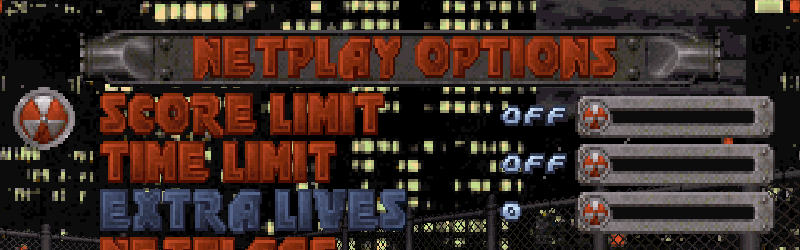
You can define a score or a time limit for a match in the menu
Netplay Options > Score Limit / Time Limit. Note that the score limit is not compatible with COOP, Survival, LMS and TLMS game modes.
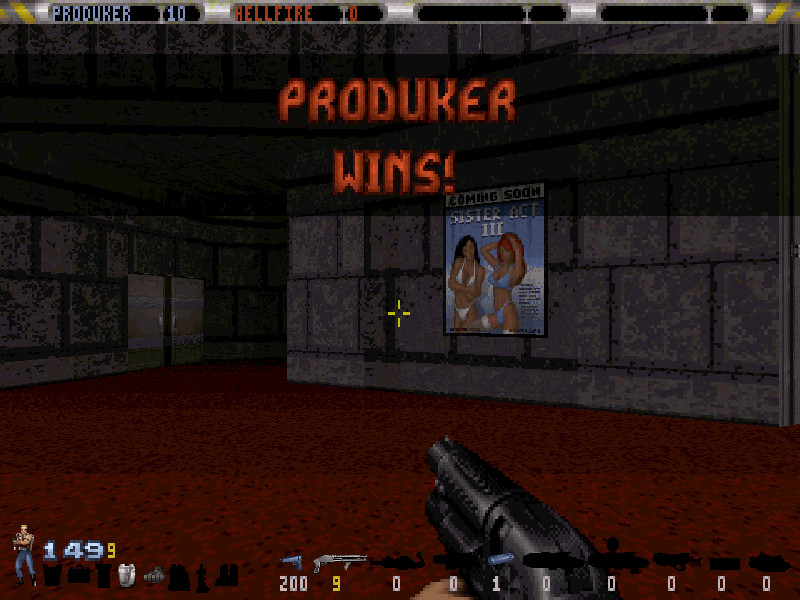
 The current score limit for the match are displayed on the top right corner of the screen on yellow. The in-game clock option needs to be enabled for it to show up. Also, note that if a time limit is set, the clock will be colored dark green and will be in countdown mode.
 A banner is displayed and the Duke theme is played when a player reaches the defined score amount or when the time limit is hit. When the banner is displayed, all players scores are blocked, the flag on CTF modes can't be captured, the extra lives amount will not be decreased on respawn and the Terminator status will not be lost when dying. And also, the spycam (coop view) is enabled for everyone.
Player Setup #
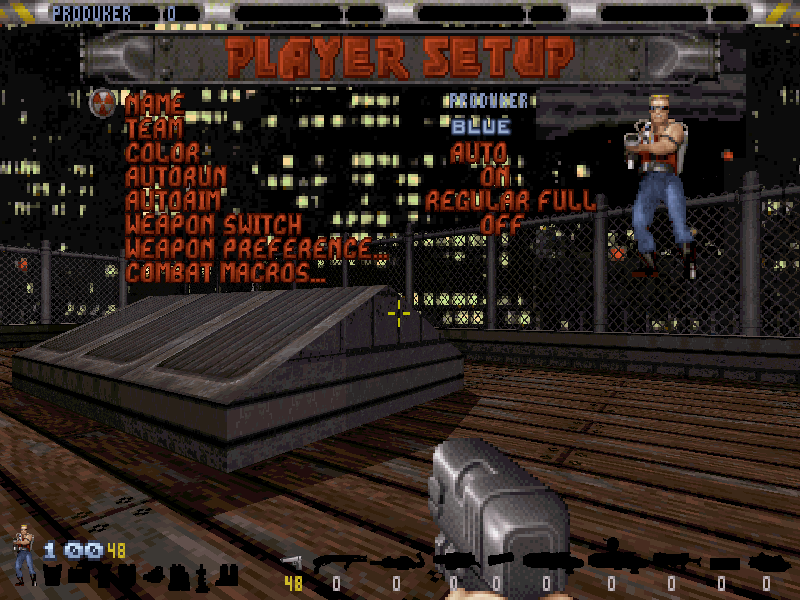
Now, under
Options, there is a new menu called
Player Setup. You can set your name, team, color and other settings.
Weapon Switch Priority #
Now you can toggle the automatic weapon switch as well as set the weapon preference through the menu
Options > Player Setup > Weapon Preference. The automatic weapon switch (for when picking a new weapon) now has 3 modes:
| MODE | DESCRIPTION |
|---|---|
| OFF | When picking a new weapon, the game will NEVER automatically switch to the new one. |
| ON | In this mode, the game will ALWAYS switch weapons when the weapon you picked is a new one. |
| BY PREFERENCE | In this mode, the automatic weapon switch will only occur in case the priority of the current weapon is inferior to the new one. |
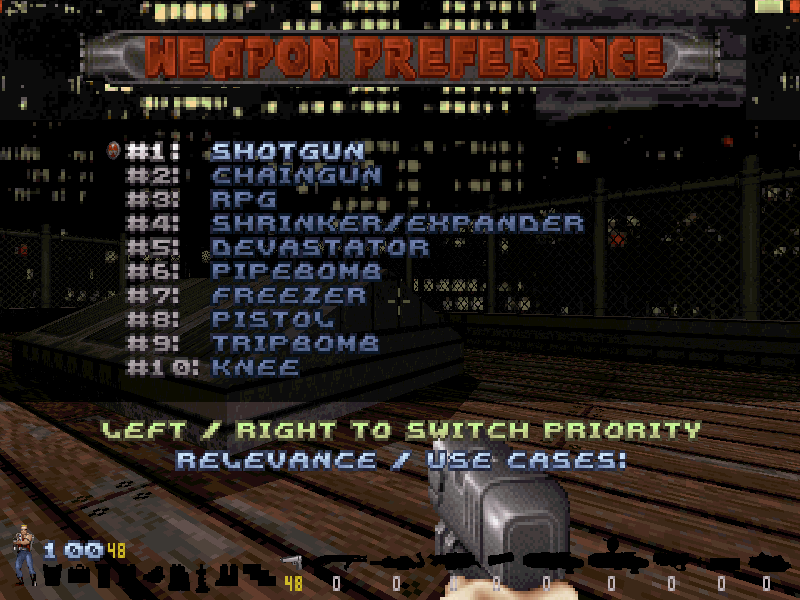 The weapon preference list is relevant in the following cases:
- During an automatic empty weapon switch (only use on DOS duke).
-
During an automatic weapon switch when picking a new weapon, if the automatic weapon switch mode is set to
By Preference
. -
To set the current weapon when (re)spawning. This will be mainly be of relevance in case the current session is using custom
Starting Weapons
, but may be of effect on normal games as well in case Pistol is of lower priority than Knee.
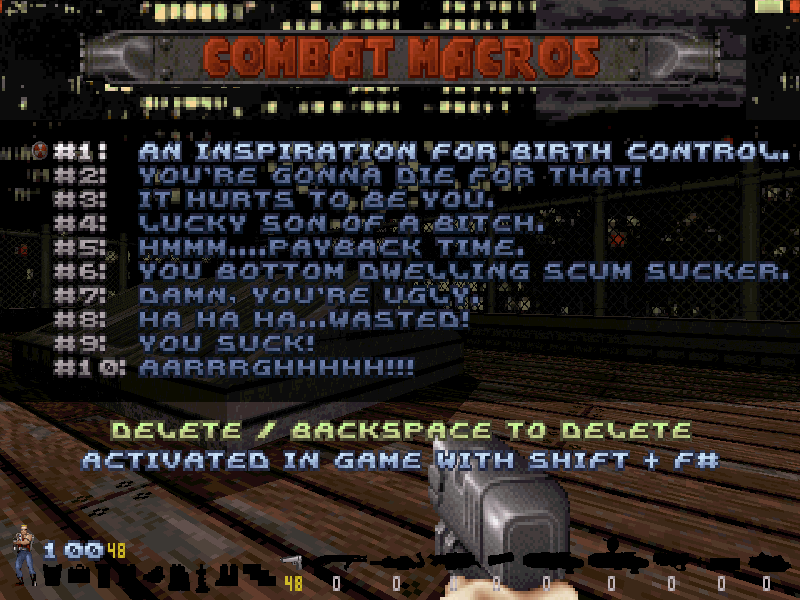
Offline Multiplayer #
If playing offline, you now have the option to start a match with bots via the new menu
New Game > Offline Multiplayer.

User Map Selector #
You can now load an user map directly from the game's menu. In between "Episode 4" and "Episode 1" there will be a new option called
User Map.
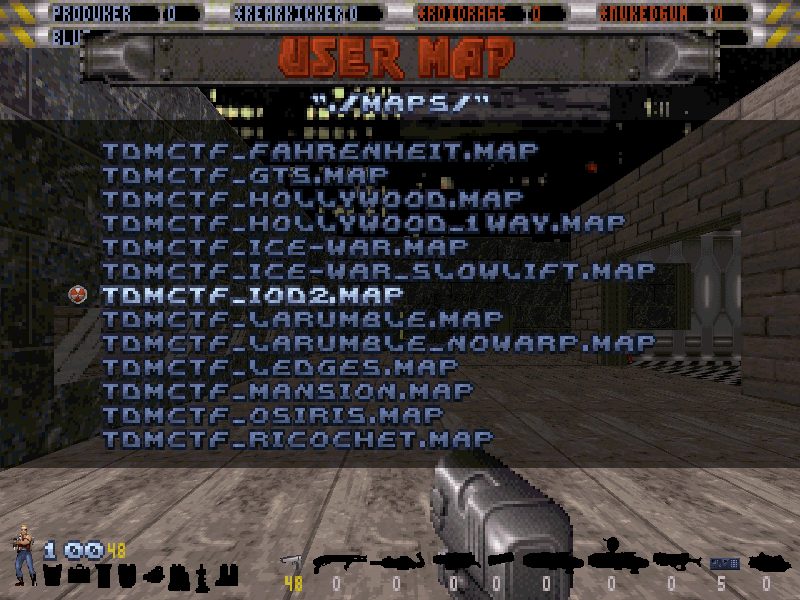
 Clicking on this new option will show a list of all maps in your configured user maps folder. You can press a character key and the cursor will be positioned at the first entry that begins with that letter.
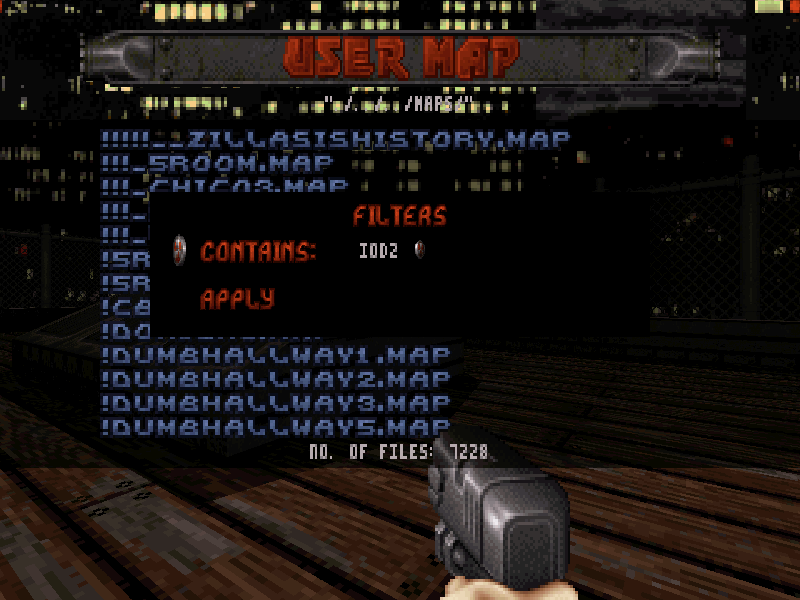
 The usermap listing screen can be filtered as well, like the DMO and RTS screens.
 You can customize where the game looks for usermaps, check the configuration guide to learn how to set it up.
BOTs Menu #
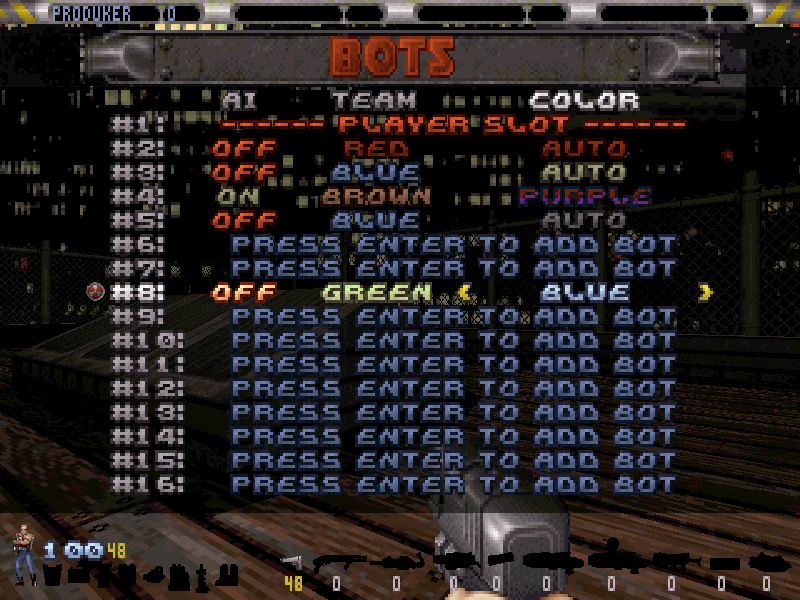
Now you can configure the BOTs through the menu
Netplay Options > BOTs. You can set up to 16 bots, enable their AI individually and change their color and team.
Auto Screenshots #
You can configure the game to take screenshots automatically based on some triggers through the menu
Options > Recording Setup > Auto Screenshots. The screenshot will be saved in the screenshots folder with the corresponding trigger suffix.
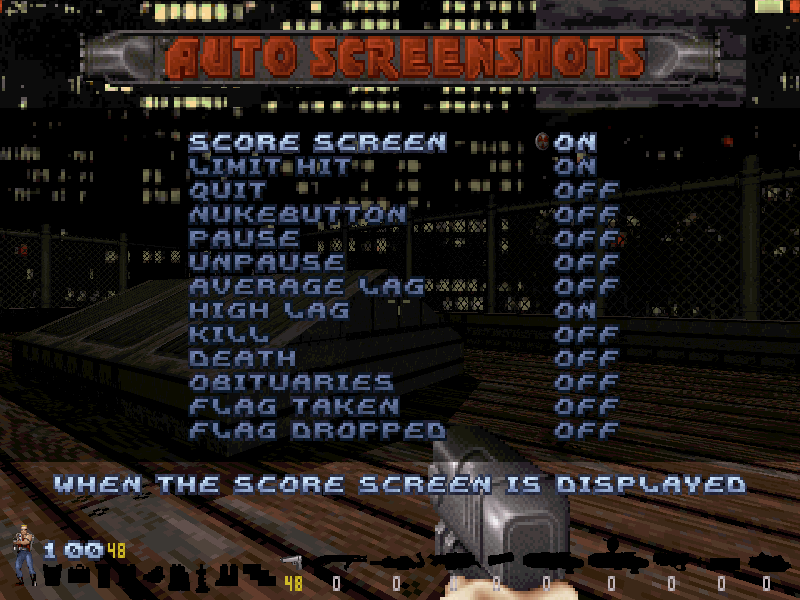
| TRIGGER | DESCRIPTION |
|---|---|
| SCORE SCREEN | Takes a screenshot when displaying the score screen tally. |
| LIMIT HIT | Takes a screenshot when the score limit is hit. |
| QUIT | Takes a screenshot when a player quits from the match. |
| NUKEBUTTON | Takes a screenshot when a player hits the nuke button. |
| PAUSE | Takes a screenshot when a player pauses the game. |
| UNPAUSE | Takes a screenshot when a player unpauses the game. |
| AVERAGE LAG | Takes a screenshot when any player's ping is average (every 5 seconds). |
| HIGH LAG | Takes a screenshot when any player's ping is high (every 5 seconds). |
| KILL | Takes a screenshot when you kill another player. |
| DEATH | Takes a screenshot when another player kills you. |
| OBITUARY | Takes a screenshot when any player dies. |
| FLAG TAKEN | Takes a screenshot when a flag is taken. |
| FLAG DROPPED | Takes a screenshot when a flag is dropped. |
| FLAG RETURNED | Takes a screenshot when a flag is returned. |
| FLAG DELIVERED | Takes a screenshot when a flag is delivered. |
| GAMEOVER | Takes a screenshot when a player runs out of lives. |
| TERMINATOR | Takes a screenshot when a player becomes the Terminator. |